Can Two Photos Make a Zombie Short Film?
Upload two photos and get a 10 to 15 second zombie love story. No makeup, no film set, and no prompt if you use a dedicated generator.
Yes, they can. In the fall of 2026, a short AI zombie love story spread on TikTok and Instagram Reels. You do not need makeup, and you do not need to film on a set. You upload two photos and get a clip about 10 to 15 seconds long. One person has already turned into a zombie. The other raises a gun, but cannot fire. Then the video cuts to a warm memory.
What the clip usually looks like
It is not a long movie. It is a short video, often vertical, made for phones. People call it a zombie love story, a zombie hug, or My Beloved Zombie. The structure is usually four shots.
- Someone you care about walks in. They look like a zombie, but you can still tell who they are.
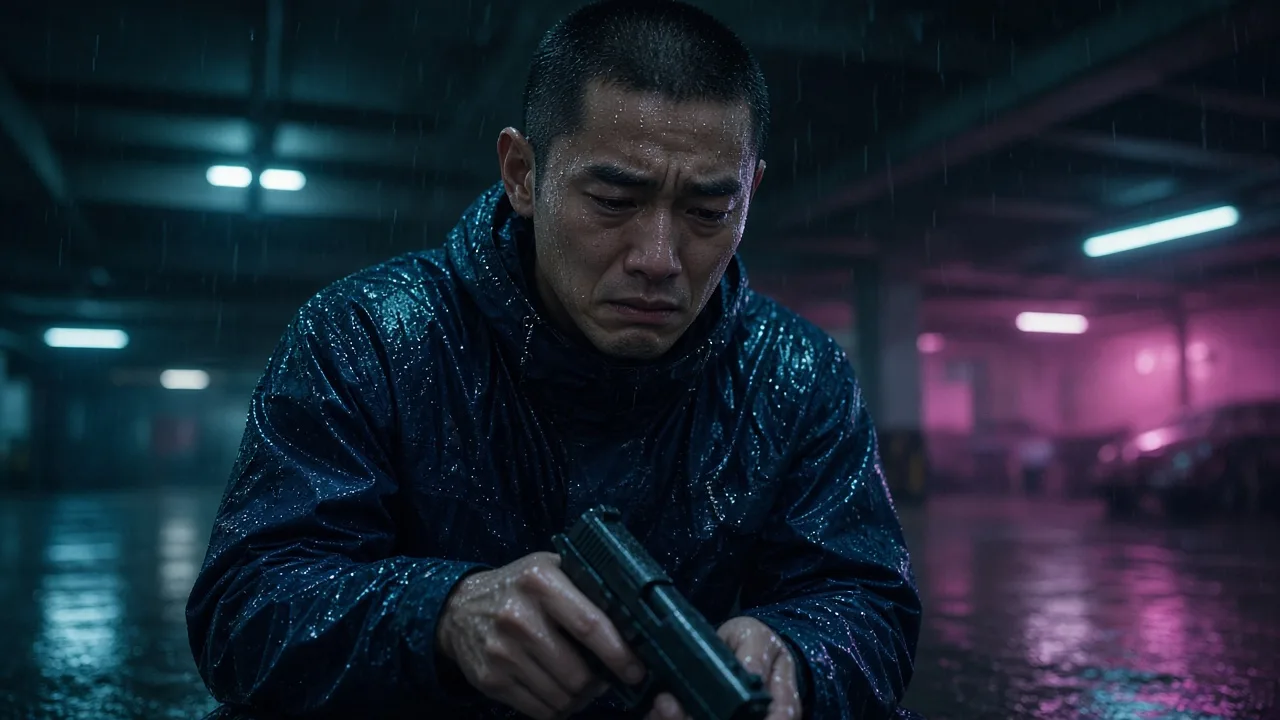
- The other person raises a gun. Their hands shake. They cannot pull the trigger.
- The gun comes down, and some versions add a hug.
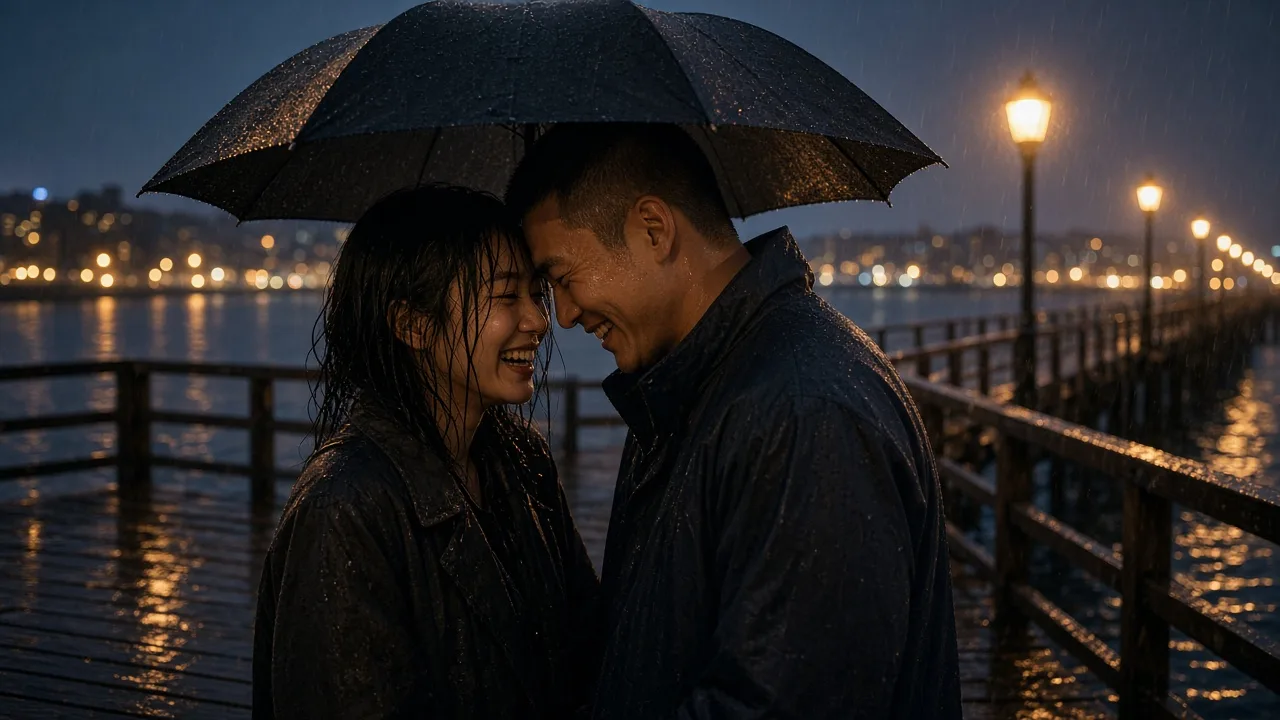
- The picture cuts to a memory from when both were still healthy. The light is warmer, and they are laughing.
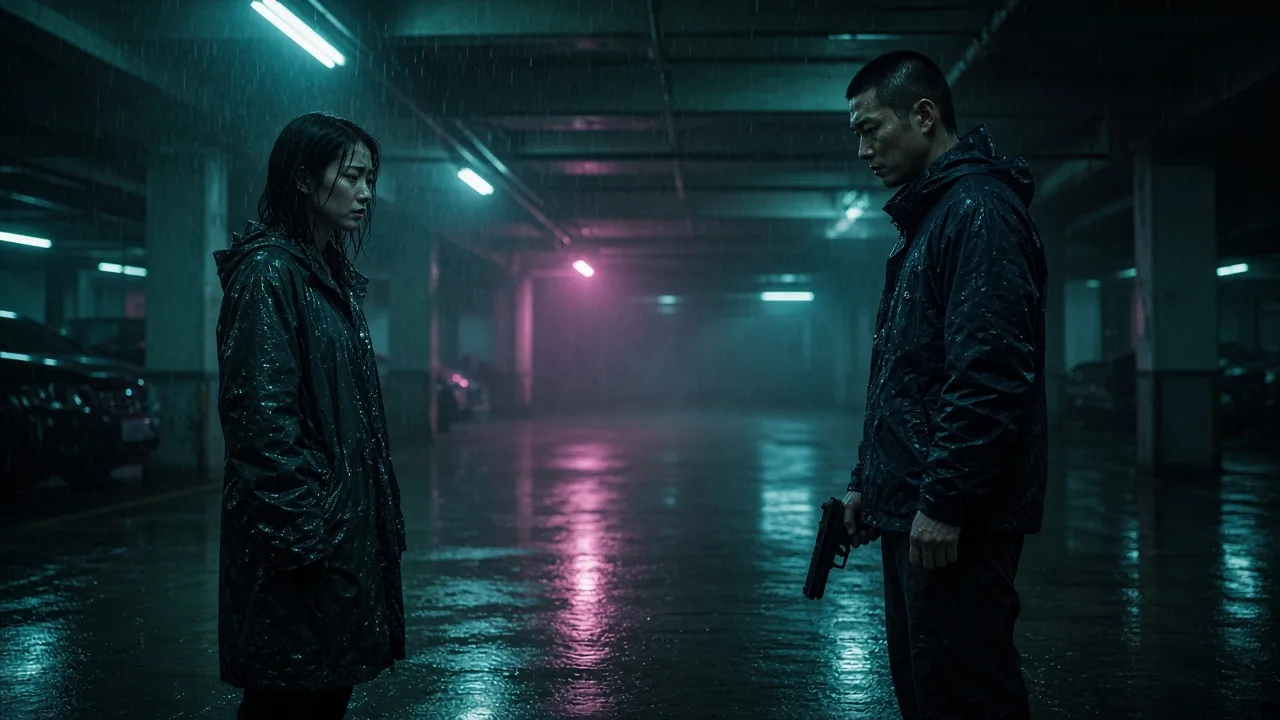
The scary part is short. The part people remember is the ending.
Two ways to make it
The first is a dedicated generator. You upload two photos. You do not write a prompt, and you do not edit afterward. After a few minutes, or maybe a little more than ten, you can download an MP4.
The second way is a general AI video app, such as CapCut, Dreamina, Kling, or Higgsfield. You choose multi-image reference, upload the two photos, and paste a prompt. Some of these apps give you a few free credits each day. This route gives you more control, but you have to write the prompt yourself, and you may need to join two clips later.
Dedicated tools
You can find several dedicated tools online. They are not all from the same company. The price, length, and quality are not the same either. No single tool is the only answer.
One site you can use in a browser is BO1 Browser. You upload two photos, and it places those two people into a fixed zombie love story. The site says the clip is about 15 seconds, with sound, and you download it as an MP4. It uses Alibaba Cloud's Wan 3.0. Photo 1 is the man, and photo 2 is the woman. A render usually takes 3 to 10 minutes. On the pricing page, 1080p uses 100 credits, 720p uses 50, and 480p uses 25. A free account comes with no credits, so you buy a pack first. The starter pack is $15, paid once, and gives you 200 credits. That is enough for about two 1080p videos, or four 720p videos.
Other sites make a similar clip.
| Tool | Clip | Listed price |
|---|---|---|
| ZombieHug | 15 seconds, 720p, with sound, no subscription | $6.99 |
| Zombie AI Video | 720p, about 10 to 15 minutes to render | $6.90 |
| AI Zombie Video | 15 seconds, 768p | $5.99 |
| Reeldo AI | Draft option, plus a 720p standard option | Draft about $2.71 |
| Zombie AI | Starts at 10 seconds, 720p. A 15-second clip costs more. Uses Seedance 2.5. No free generation. | From $9.90 |
| ZOOOP | 13-second template, also on Seedance 2.5 | See the template page |
| Viberot | 15 seconds, 720p by default, with higher tiers up to 1080p | See the page |
When you choose, look at three things: how much you want to spend, how long you want the clip to be, and how sharp you want the picture.
Your photos matter
Use one face per photo. The face should be clear, facing the camera, in even light. Skip sunglasses, and do not cover the face with a hand. In a full-body shot, the face is often too small for the model to lock onto. A group photo can also go wrong, because the model may pick the wrong person.
The order of the photos usually decides who stays human and who turns. That order is not the same on every site, so read the page before you upload. On BO1 Browser, the first photo is the man, and the second is the woman.
A few rules
A few rules matter more than the settings.
- Use only photos you have the right to use.
- The people in them should agree.
- Adult or pet photos are fine.
- Do not use photos of minors.
- When you post the clip, it helps to say it was made with AI.
So, can two photos make a zombie short film?
Yes. If you want the simple path, use a dedicated generator. If you want to control the prompt, use a general AI video app. You can also open BO1 Browser and see how it turns two photos into this story. Then pick a tool that fits your budget, length, and picture quality.